
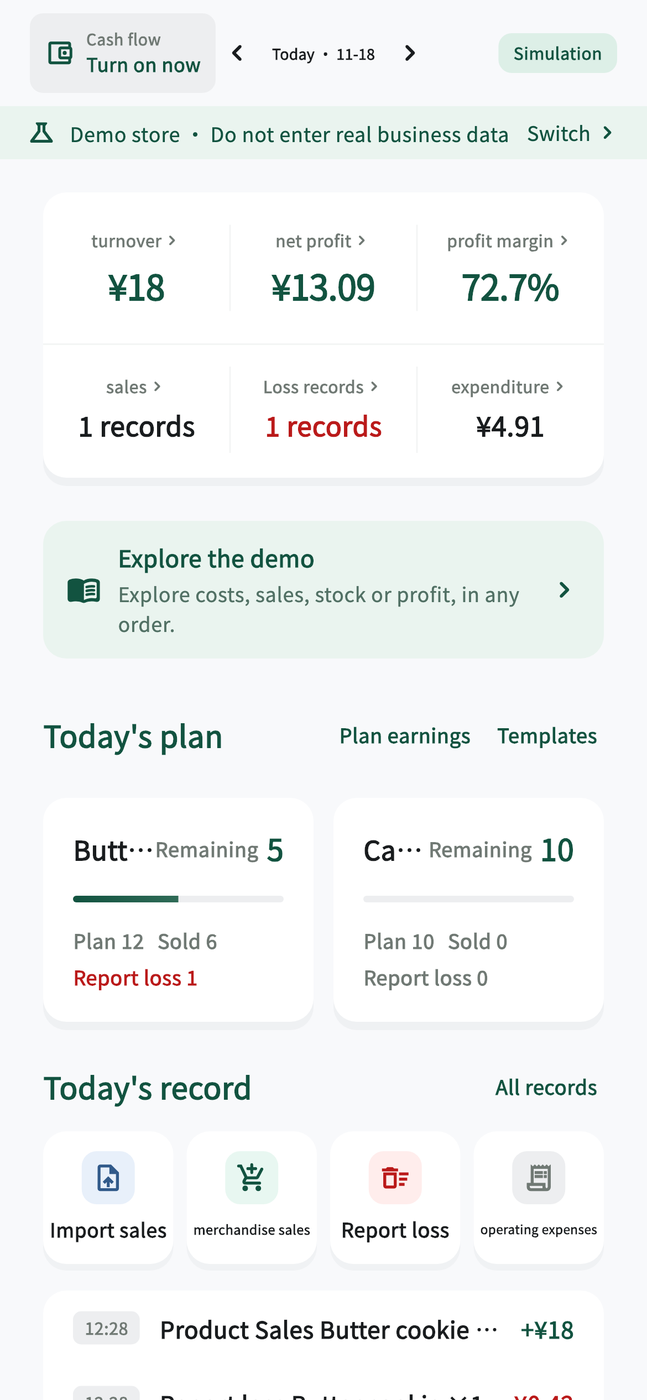
See how the day went
Review daily revenue, net profit, waste and operating expenses from the same screen.
- Check key figures by business date
- Track progress against your sales plan
- Open the records behind each total
Store management
Know your costs. See your profit.
Plan what to stock, log what sells, and review your numbers at closing. Built for small shops, stalls and studios.
Explore five app screens and see how the records behind your daily numbers fit together.
Review daily revenue, net profit, waste and operating expenses from the same screen.
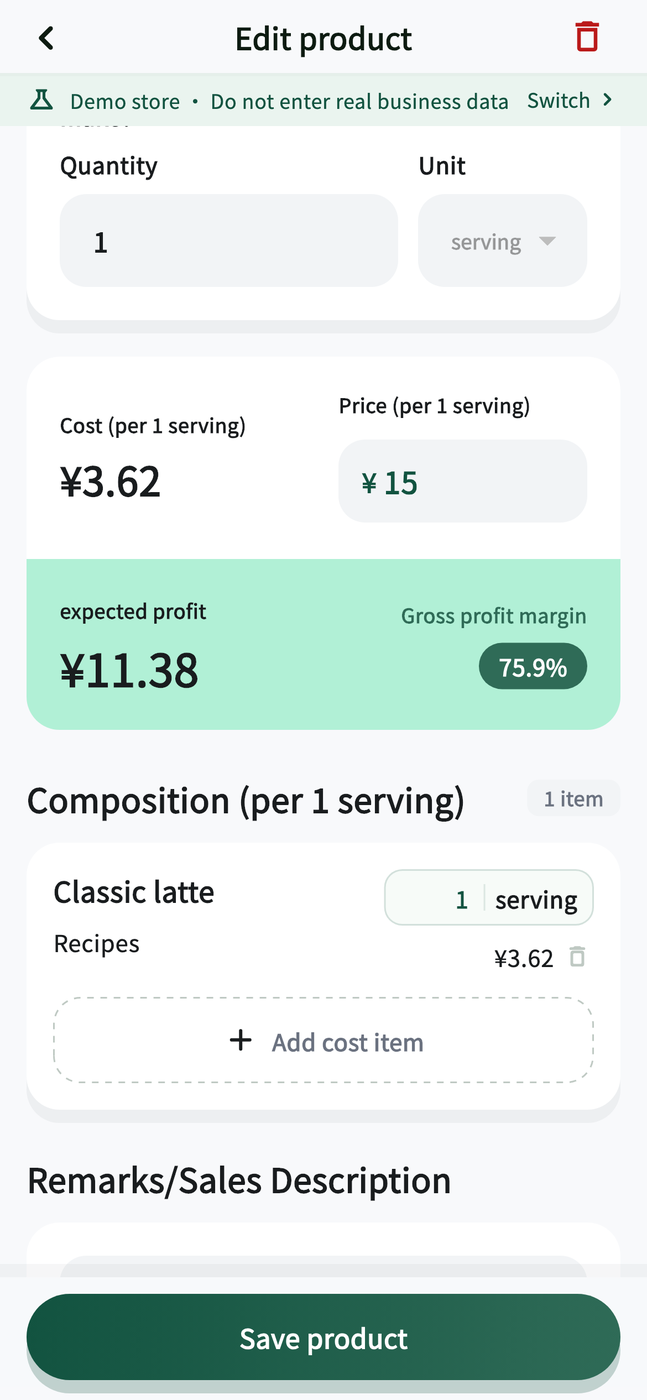
Calculate unit costs from recipe quantities. Compare the cost breakdown with selling prices and estimated margins.
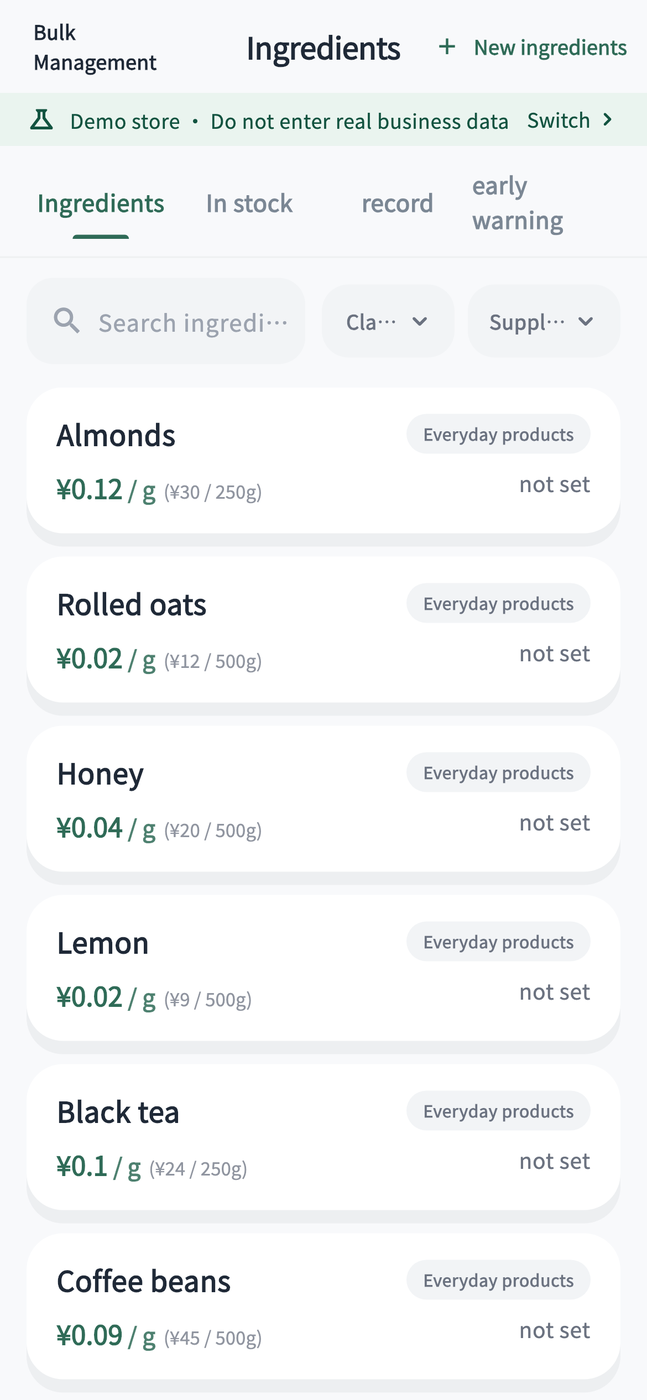
Keep ingredient pack sizes, unit prices and suppliers with your purchase, stock movement and waste records.
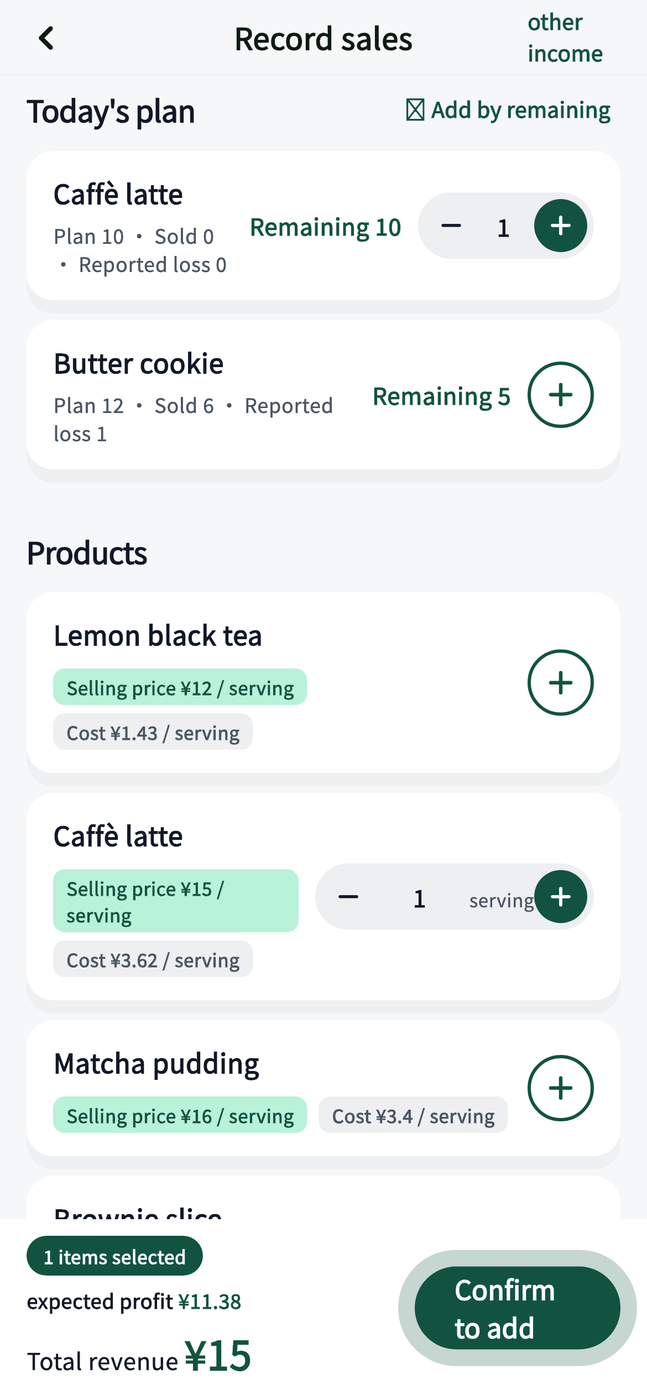
Select products and quantities, then check the total before saving the sale.
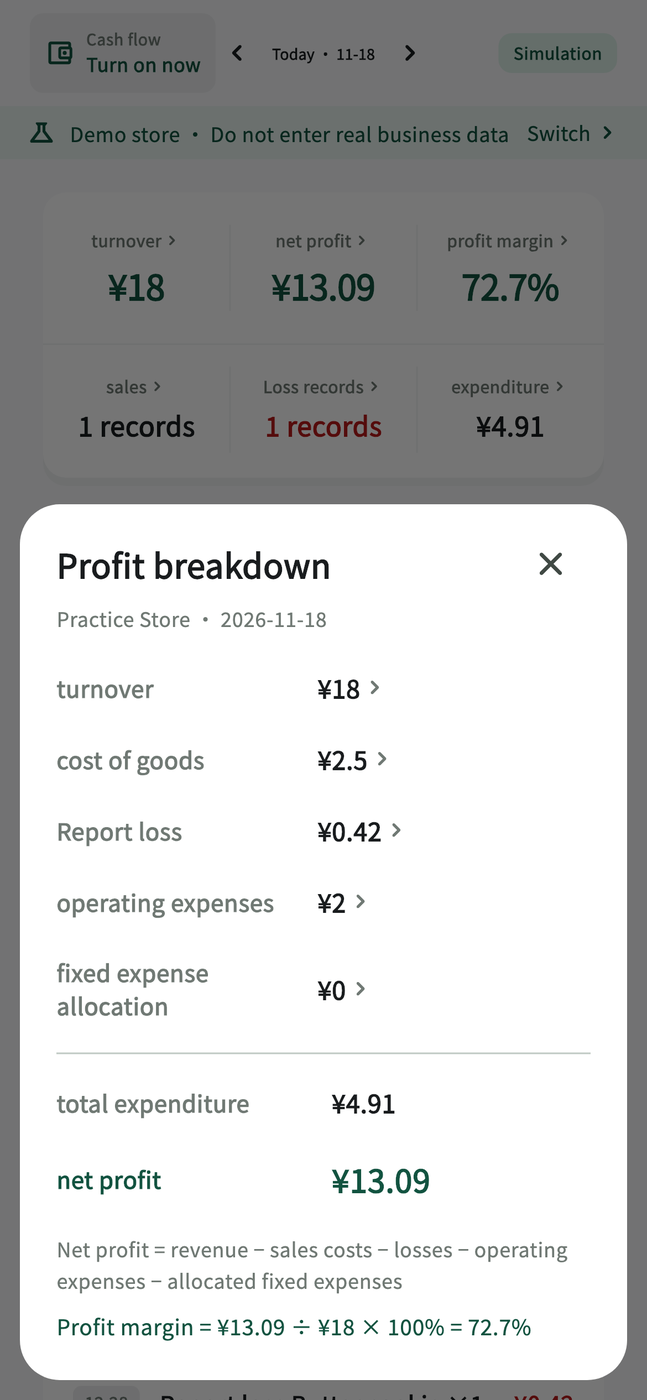
Review sales alongside their costs, waste and expenses to see what went into your net profit.
Cost a pastry or drink from its recipe, then plan ingredients for the next batch.
Log purchases, sales and waste so you can restock, count inventory and reconcile sales with clear records.
Review records by store. Cloud team access follows your plan and each member's permissions.
Manage products, ingredients and records for your cloud stores from a desktop browser. Local records stay on your phone or tablet.
Open web appLog sales at the counter, check stock and calculate costs from your phone or tablet.
View on the App StoreQuestions about your account, data or using the app?
Support guide (Simplified Chinese) kefu@jizekj.com